
Molfar Vertep
A roleplay frontend that lives on your machine, with an agent inside who rebuilds it when you ask.
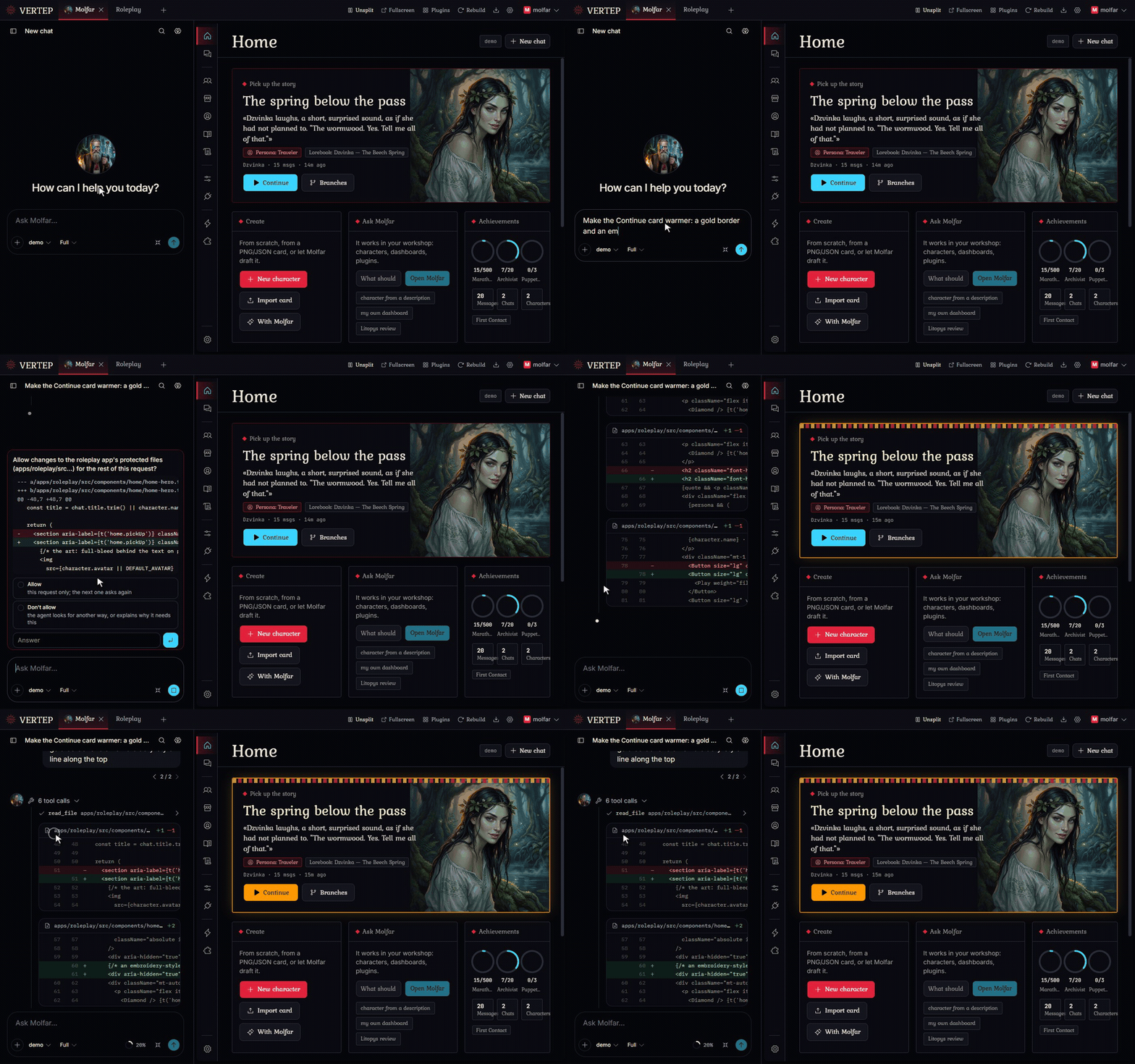
Change it by asking
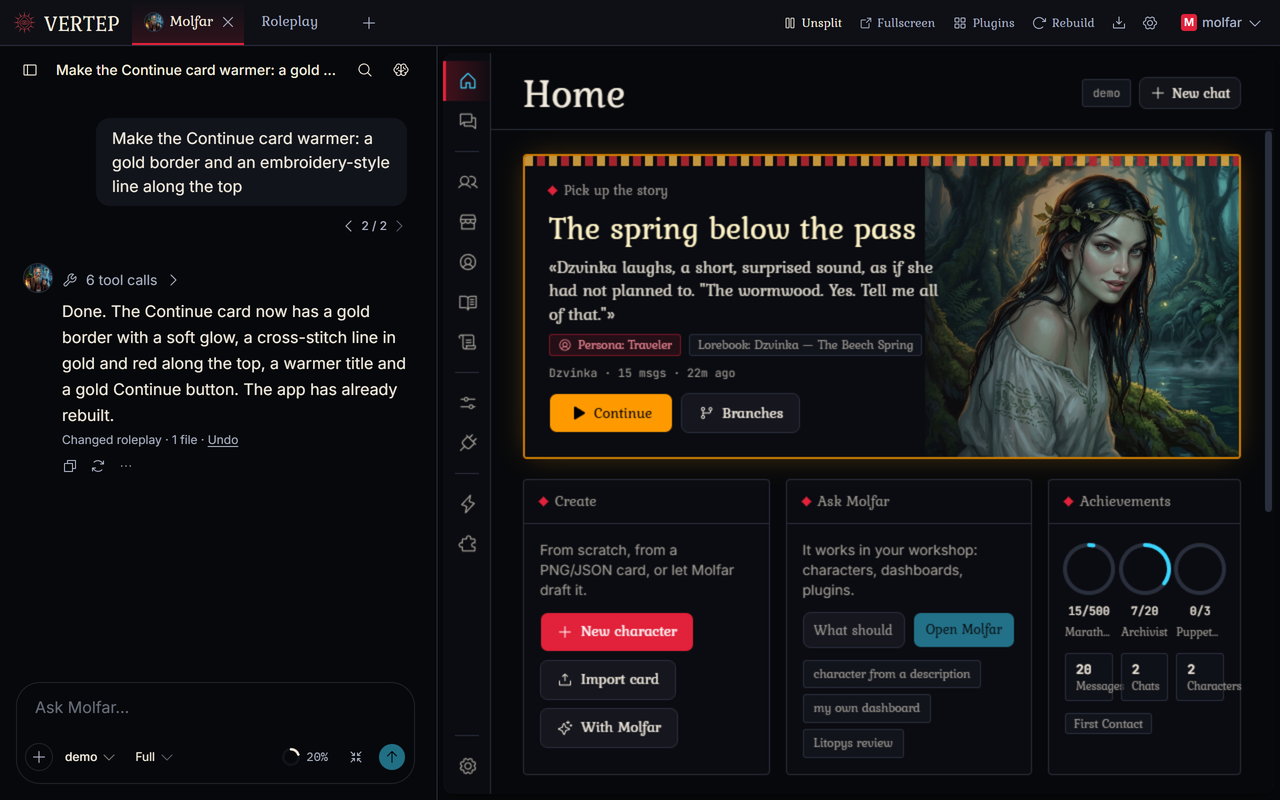
Tell Molfar what bothers you or what you'd like to have. He edits the app, the screen rebuilds seconds later, and you look at the result right away.
Each change can be undone
Every run leaves a git checkpoint. One click brings the code back.
He asks before the big stuff
For large or unclear requests Molfar offers options. Protected paths need your yes every time.
Your edits survive updates
New versions merge with what you changed. If they clash, you choose: keep yours, take theirs, or let Molfar merge them.
Apps can call him too
The Roleplay app has an "Ask Molfar" button. Nothing is sent until you press Send.
Works with small free models
Free models with a 32k window get a lighter prompt automatically, so Molfar still fits.
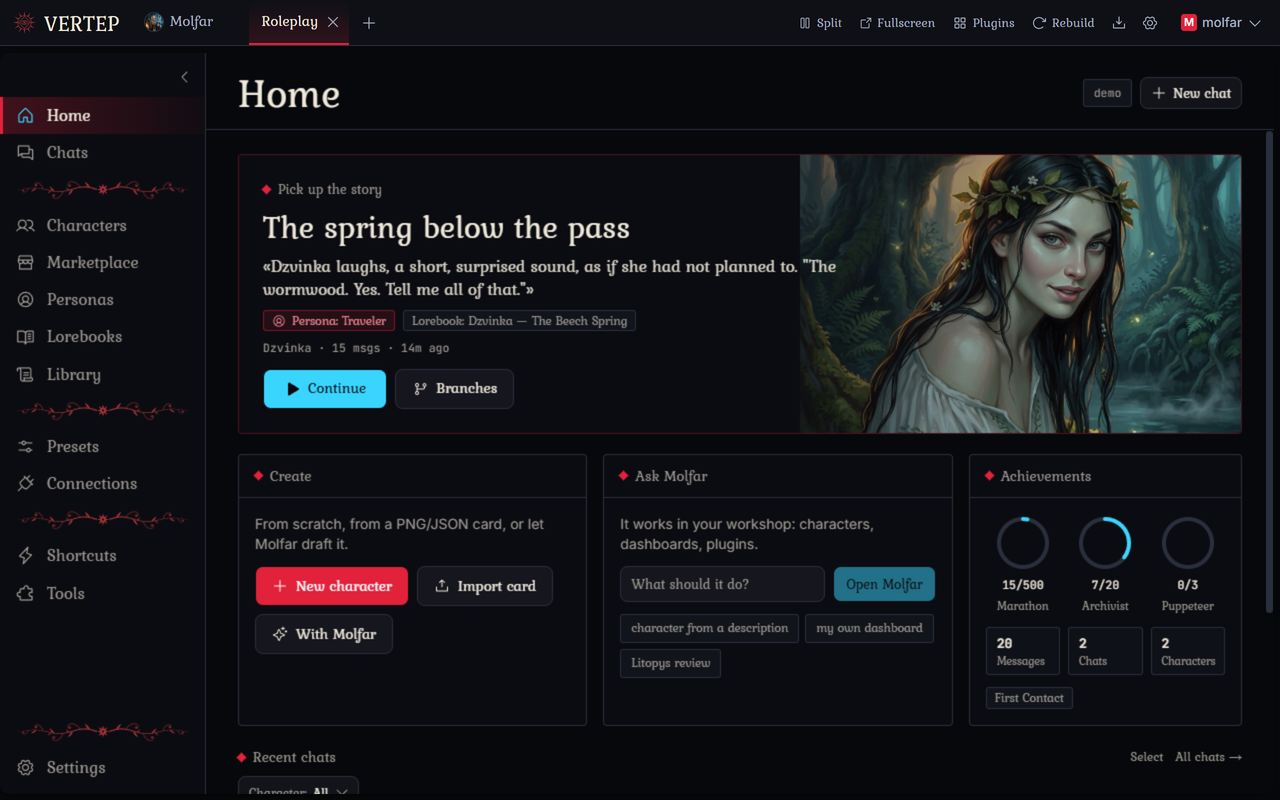
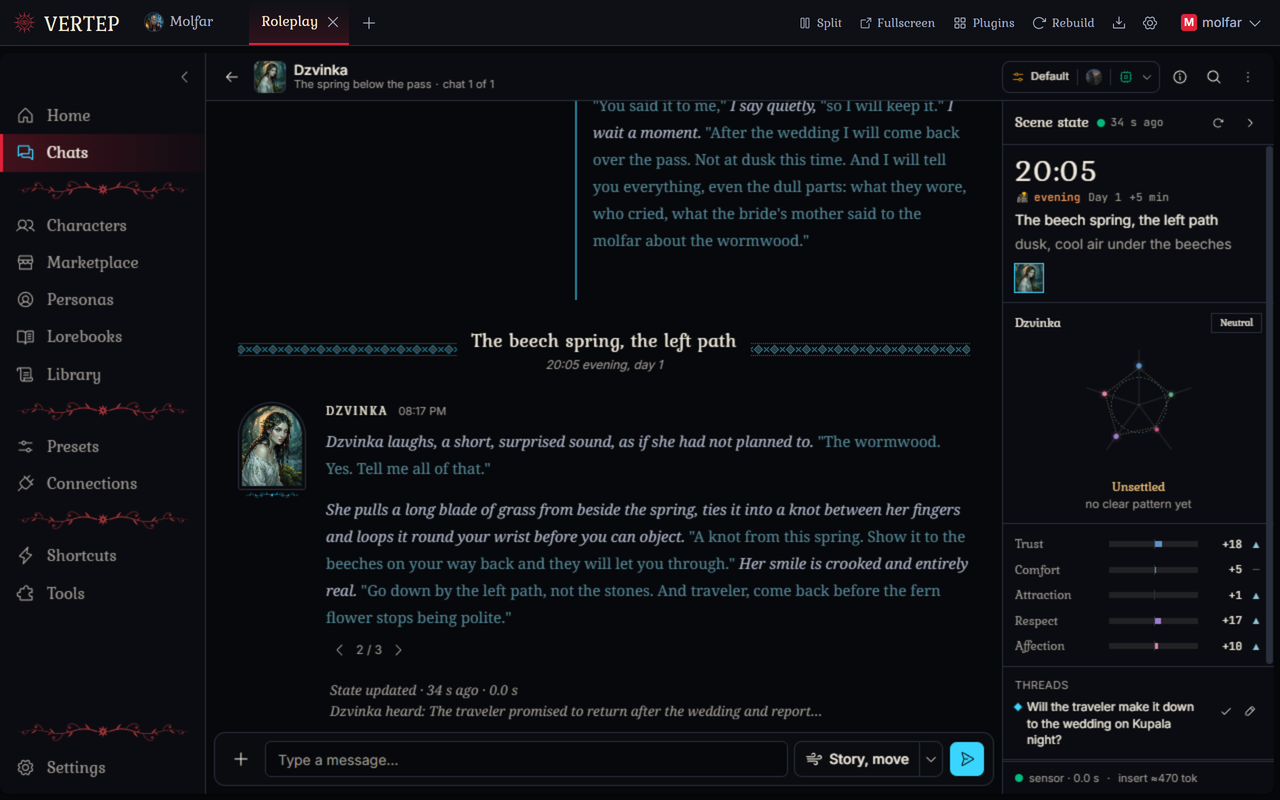
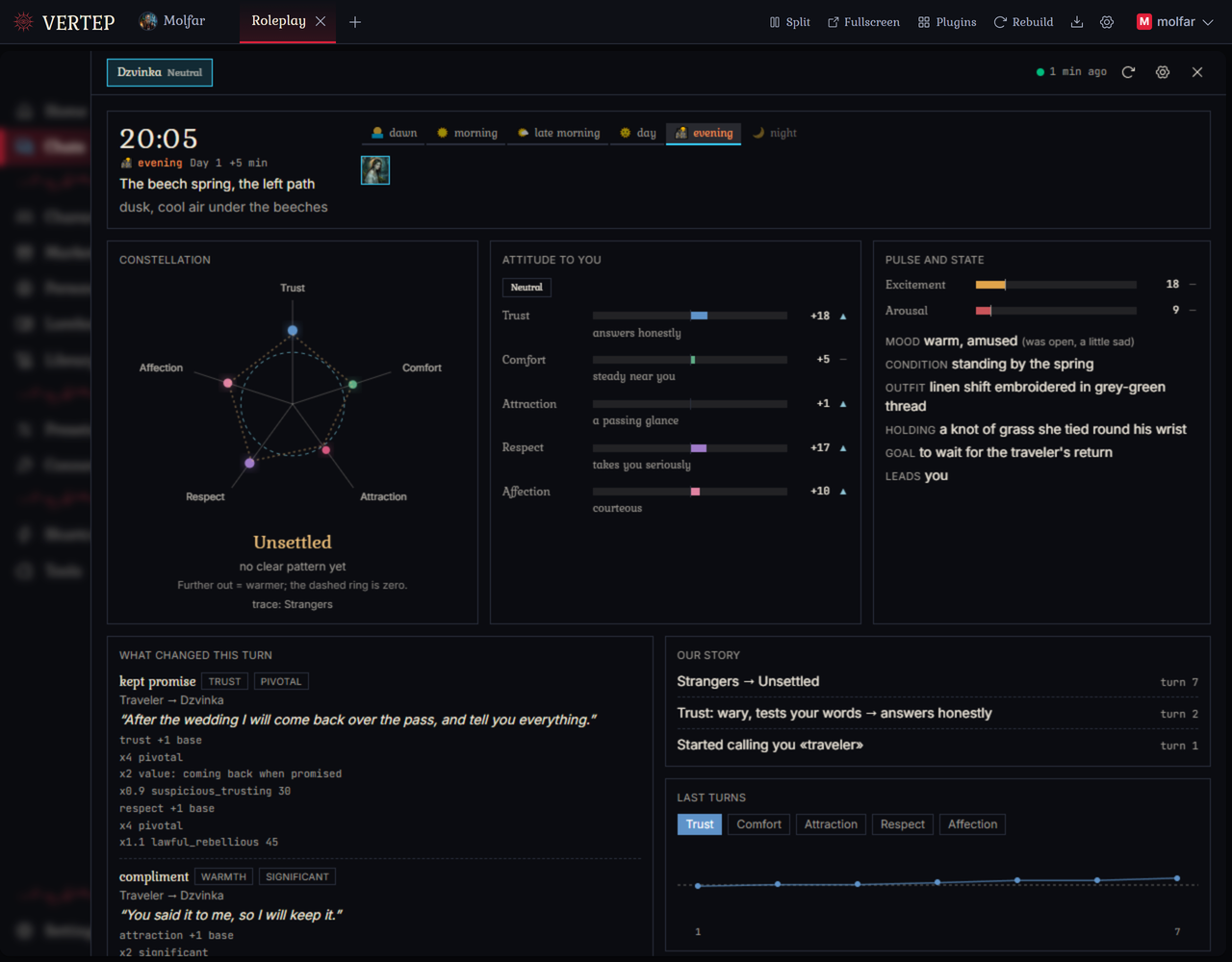
The Roleplay app
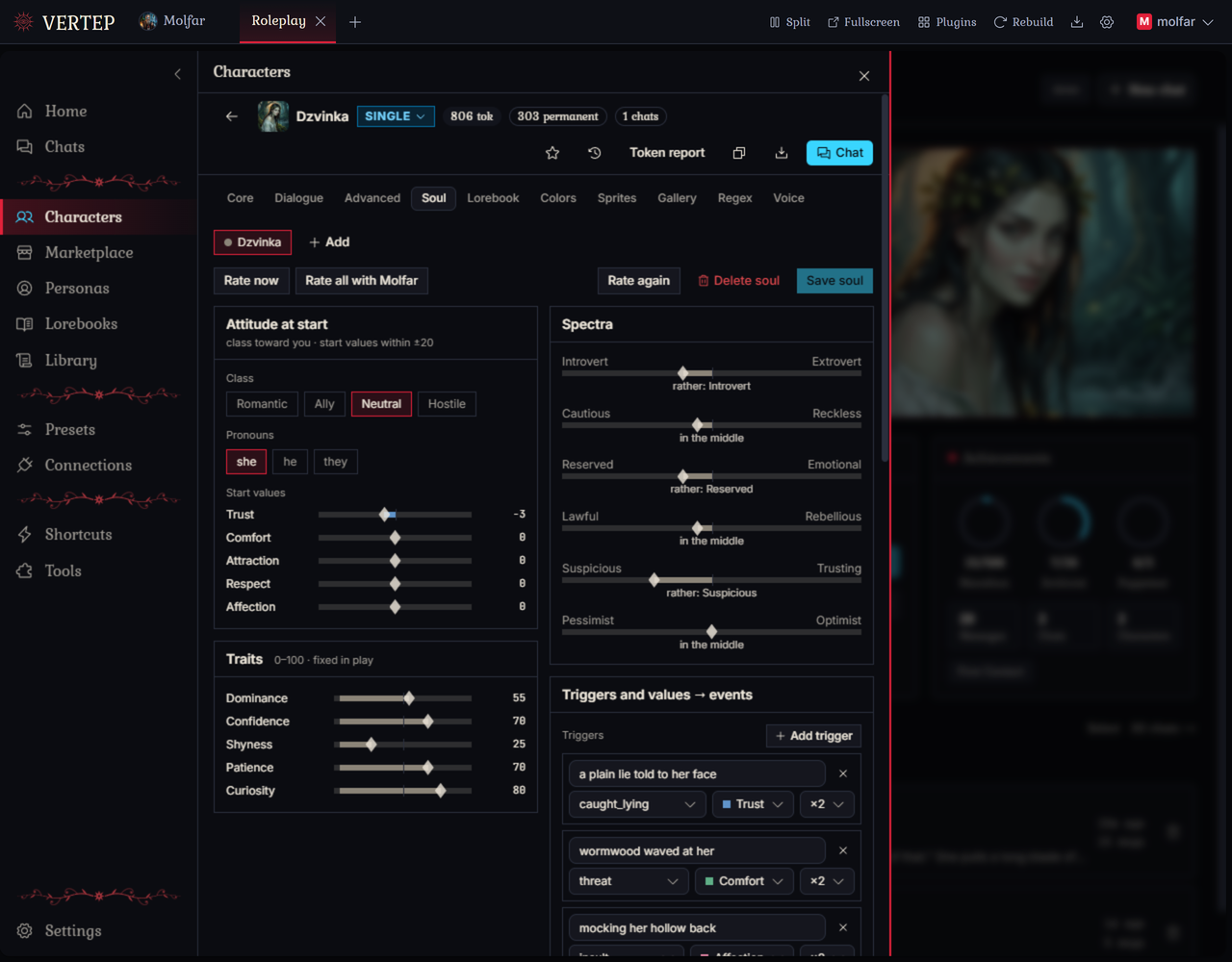
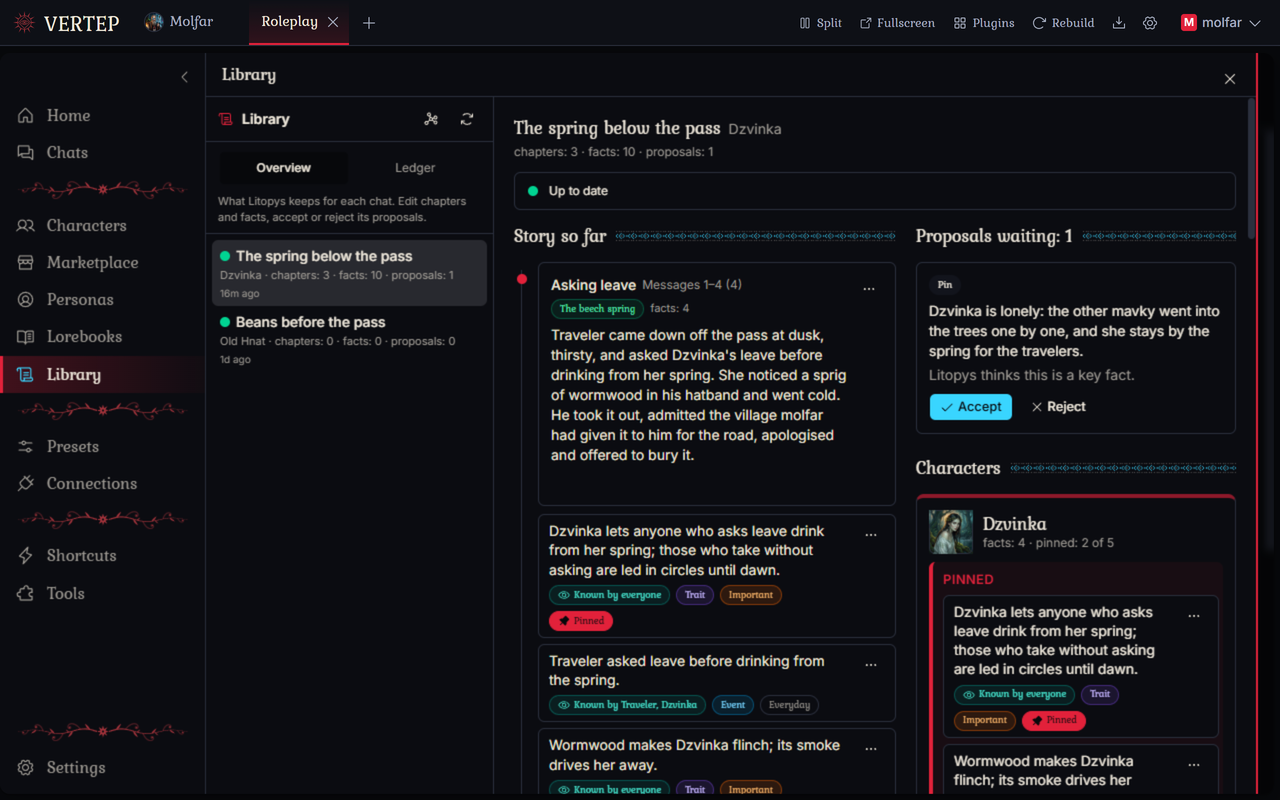
Cards, personas, lorebooks, group scenes, and the usual things, with a few that are not so usual.
Yours, at home
Runs on your own computer or phone. You bring the model. Nothing passes through our servers, because there are none.
Runs locally
Windows, macOS, Linux, Android, or Docker on a home server. Chats, characters, and keys stay in plain files on your disk.
Any model
API keys from big providers and OpenRouter, subscription sign-ins, or any OpenAI-compatible server, including one on your own machine.
Apps are sandboxed
An app from someone else shows what it wants before install: engine access, network, packages. An update that wants more stops and asks again.
Sync through your own Google Drive
New in 1.1.0: move your workspace between computer and phone through your own Google Drive. It talks to Google directly; there is no server of ours in between.
14 interface languages
Ukrainian among them.
Free software
AGPL-3.0. Forked from Chrysalis Engine by ProjectChrysalis and has gone its own way since.

Start in 5 minutes
Download, run, add a model, install Roleplay.
Download for your system
Grab the file from the releases page. Windows, macOS, Linux, Android, or Docker.
Start it and create your account
Your browser opens a one-time setup page. The account is local: it never leaves your machine.
Add a model
Settings > API connections. API key, subscription sign-in, or local server.
Install Roleplay
The welcome screen offers it in one click. Or open Molfar and ask him for something.
Community
Molfar Vertep is young and changes almost every day. Bugs are normal at this stage: open an issue and it usually gets fixed in the next patch.